
-
Created by
 user-c5bed, last updated by Sajda Omar on Aug 23, 2021
2 minute read
user-c5bed, last updated by Sajda Omar on Aug 23, 2021
2 minute read
You can view published reports that detail student assessment results, as well as summary results for student groups within an organization.
Step-by-Step
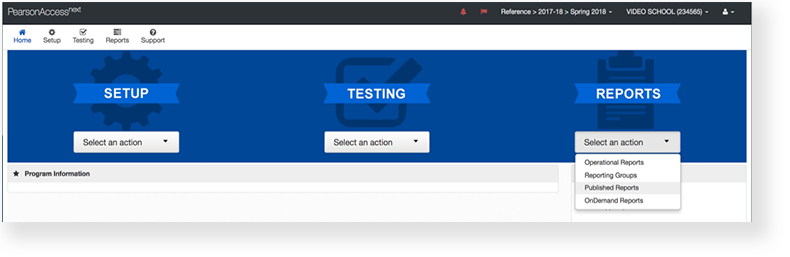
From Reports, select Published Reports.
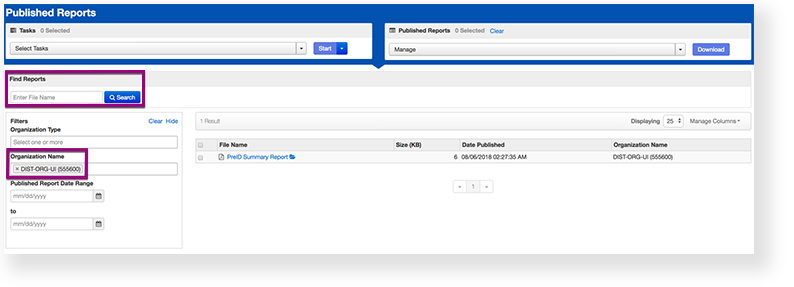
Type the file name into the search field, and click Search (or apply filters).
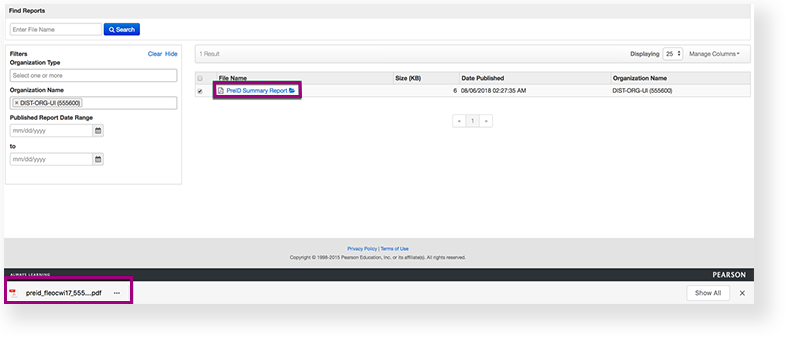
- Double-click on a report to download.
You can also select multiple reports:- Click Select Tasks, click Published Report, and click Start.
- Re-select the reports.
- Click Download.
Effects
To review them prior to releasing them to other users in the system:
Click the checkbox next to the report.
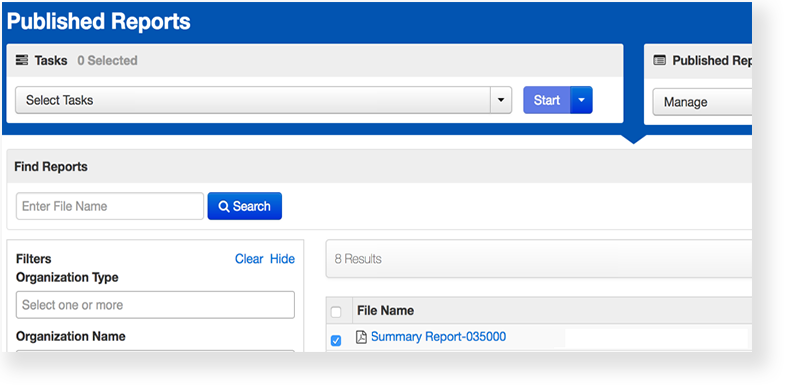
Click Select Tasks, select Hide Published Reports, and click Start.
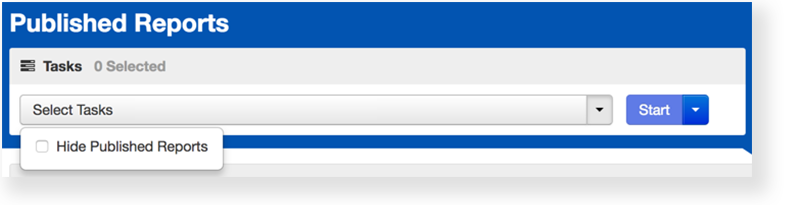
Select the checkbox next to the report to confirm.
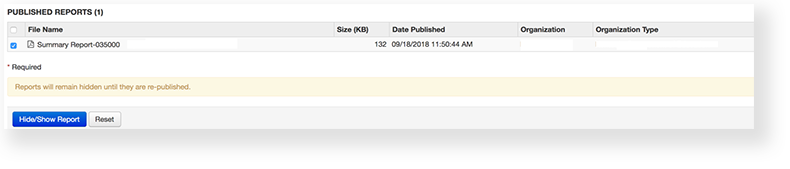
Click Hide/Show Report.
