You are viewing an old version of this page. View the current version.
Compare with Current
View Page History
« Previous
Version 8
Next »
With a print QR code and a camera on their device, students can authenticate to LaunchPad.
Student process to sign in:
- Navigate to https://launchpad.pearson.com/
- Select your organization if not already selected.
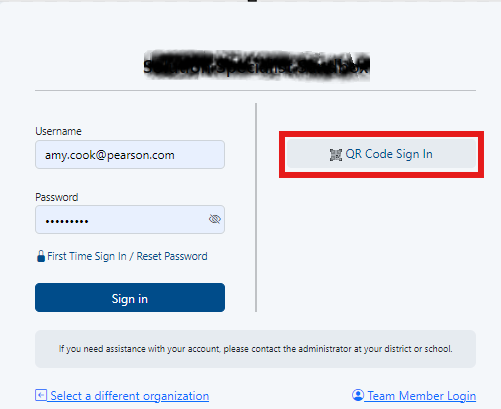
- Click QR Code Sign In. You may receive a popup from your computer asking for permission to enable your camera; click Allow.
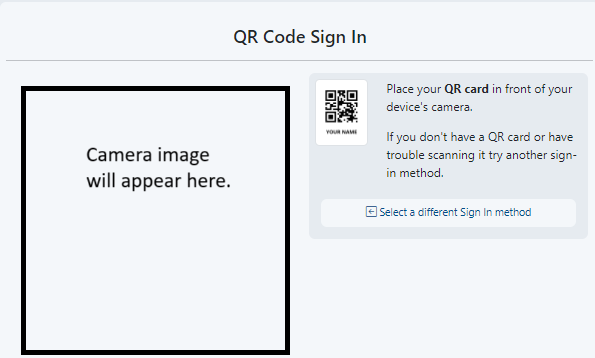
- Hold up the printed QR code to the camera.
Tiny Link: https://support.assessment.pearson.com/x/gYCbCQ
