You are viewing an old version of this page. View the current version.
Compare with Current
View Page History
« Previous
Version 5
Next »
A limited number of users who manage data have access to the Team Member area of LaunchPad where they can add, edit and troubleshoot data such as users and classes.To sign in as a LaunchPad administrator:
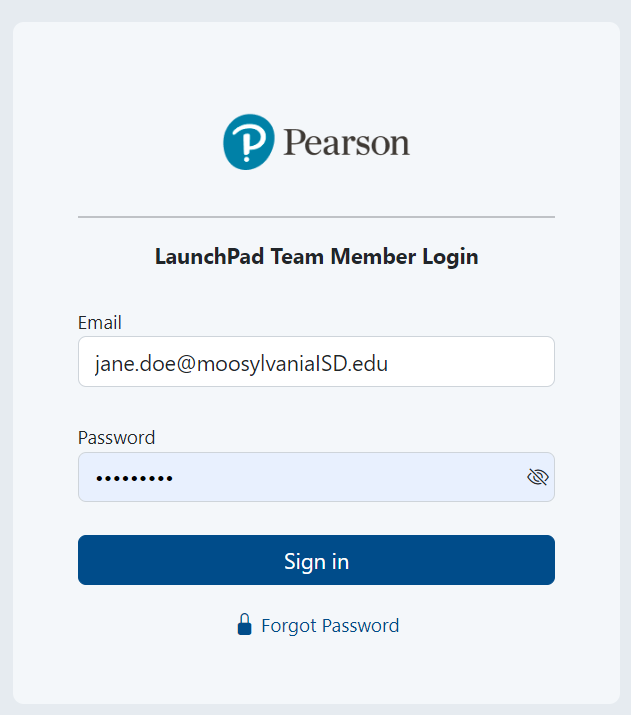
- Go to https://launchpad.pearson.com/#/admin/login
- Enter credentials and click Sign in.
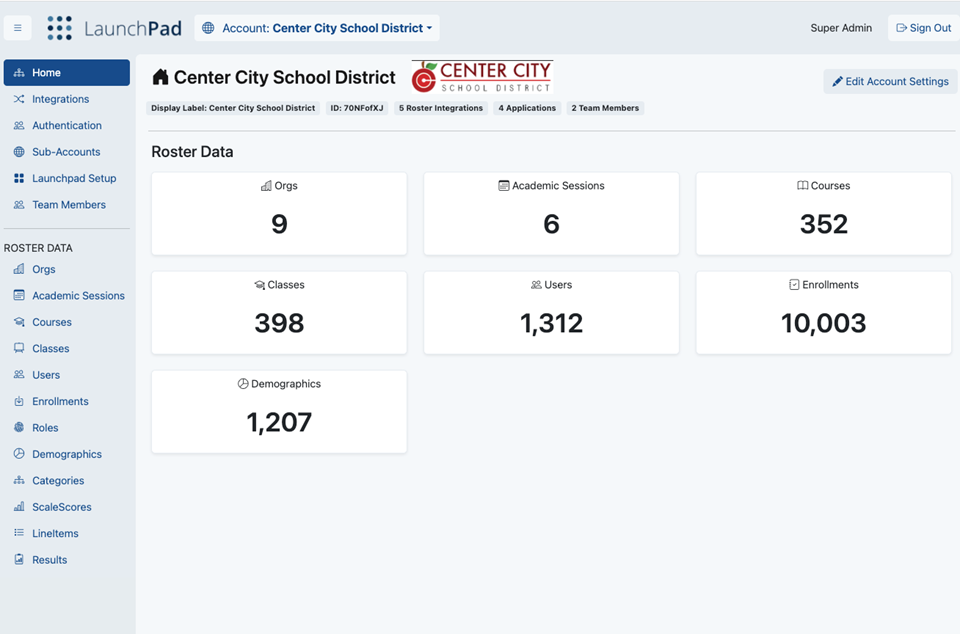
- The options available in the Team Member area are based on your user rights.
Tiny Link: https://support.assessment.pearson.com/x/7AE-CQ
