Log in to OSCAR as a New User
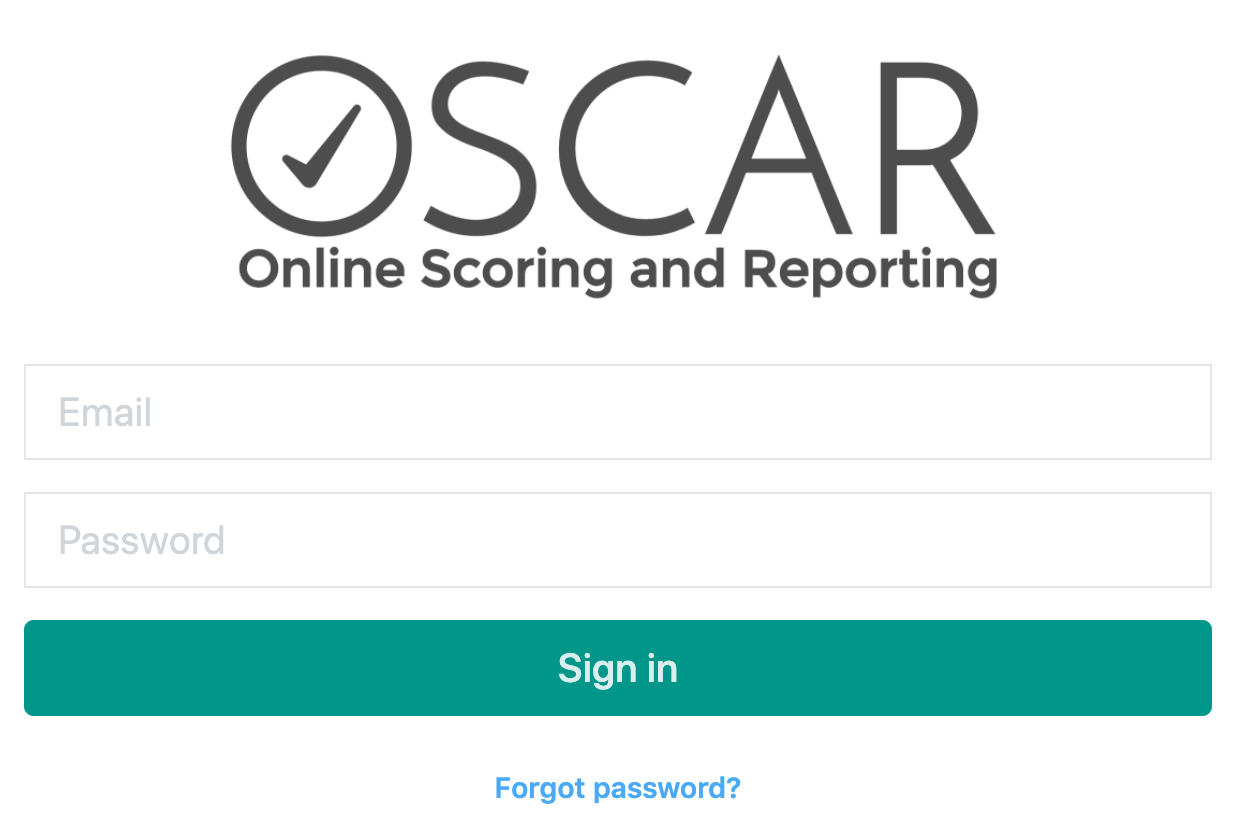
As a new user in OSCAR you will receive an email welcoming you to OSCAR. The link in the email takes you to a login screen where you are asked to:
- Log in
- Change your password
Log in to OSCAR as a Current User
Use your OSCAR credentials to log into OSCAR. Always use your own login credentials, never share or use another user's login credentials. If you have forgotten your log in credentials, use the Forgot password? link at the bottom of the Sign in screen.
Scorer Landing Page
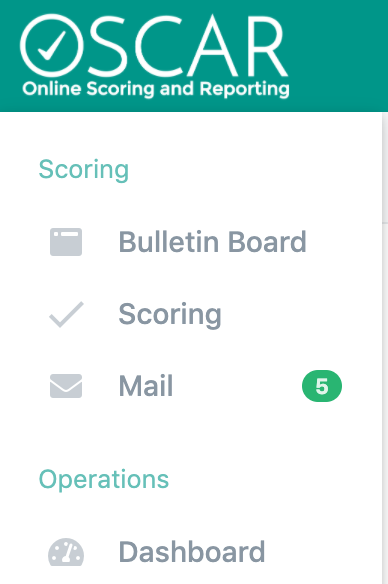
This section of OSCAR is made up of three areas to help you manage your scoring experience. Both Bulletin Board and Mail are used to communicate with you. Your team will determine how specifically to use both Bulletin Board and Mail, we recommend you periodically check these sections throughout your scoring day.
Upon login, you are presented with a simple welcome message. Start your work by choosing one of the options in the menu on the left.
- Bulletin Board: Made up of info tiles to help communicate to the scoring community.
- Scoring: This is where the sections and items needing scored are organized and viewed.
- Mail: An email system to communicate in the scoring community. Notifications are sent to this internal email box.
- Dashboard: View your scoring statistics.
Tiny Link: https://support.assessment.pearson.com/x/GADSCg