
...
Anchor launch launch
Start TestNav Desktop
| launch | |
| launch |
TestNav automatically creates a shortcut on the Desktop. You can open TestNav using the shortcut, or fFrom the Start menu, click TestNav.
TestNav should appear in the Start menu. If you do not see TestNav, type TestNav in the search box.Expand title Click here to view a screenshot... 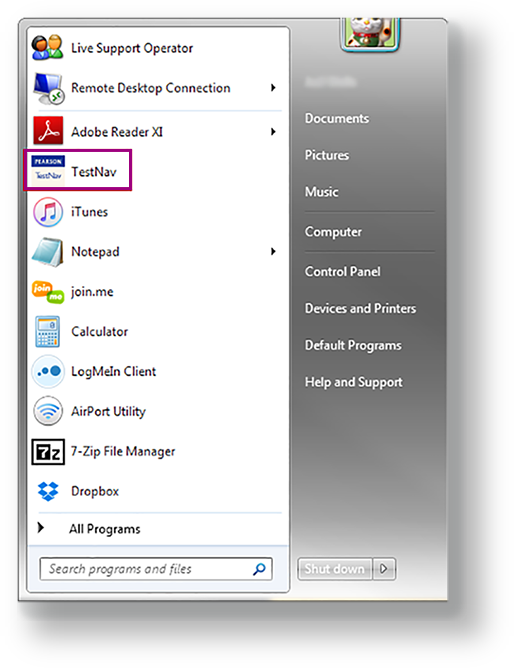
- If you have not already done so, select your test from the Select Your Test drop-down menuchoose the appropriate icon for your test on the home page. If your test was selected before the before the test session, you see the Sign In pagethe Sign In page, rather than the drop-down menu.home page.
- If you need to select a different test, click the user drop-down menu at the upper-right of the page, and click Choose a different customer.
- Select Choose the appropriate icon for your test, and click Go.
- Input your username and password on the Sign In page to begin your test.
...