
...
| Include Page | ||||
|---|---|---|---|---|
|
If you are looking for any and all students who fit a specific category, such as students who are registered for a test but who are not yet in an online test session, you can find them using a set of reports called operational reports. Operational reports include a set of standard reports and may also include some reports that are custom for your testing program.
...
From Reports > Operational Reports, select Students & Registrations AND Online Testing, because related information is found in both categories.
Expand title Click here to view a screenshot... Include Page IR:_PAsup_operational_reports_categories IR:_PAsup_operational_reports_categories You will be shown a list of available reports. Click the title of the report you want to view. This list is different for each testing program, based on the testing contract details.
Expand title Click here to view a screenshot... 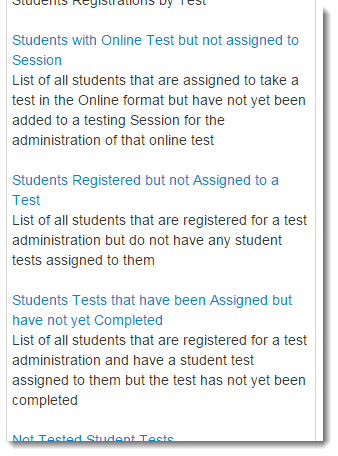
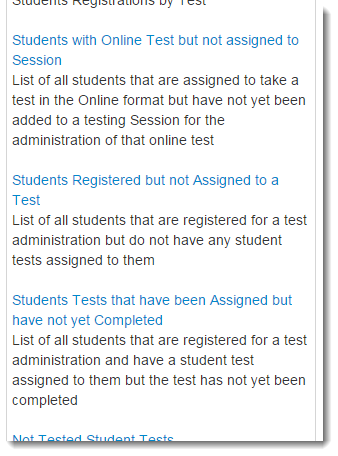
If a report is not yet available or if you desire want a new one to be created, click Request Report Refresh and, if desired, . You can change the parameters to be used when the report is created, such as to only display the results for a specific organization. Click Refresh Report.
Expand title Click here to view a screenshot... 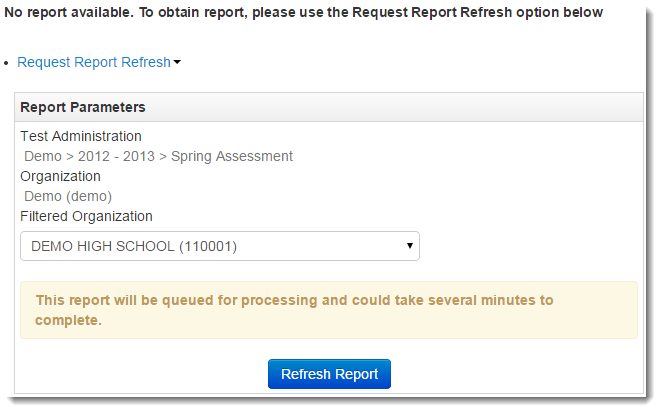
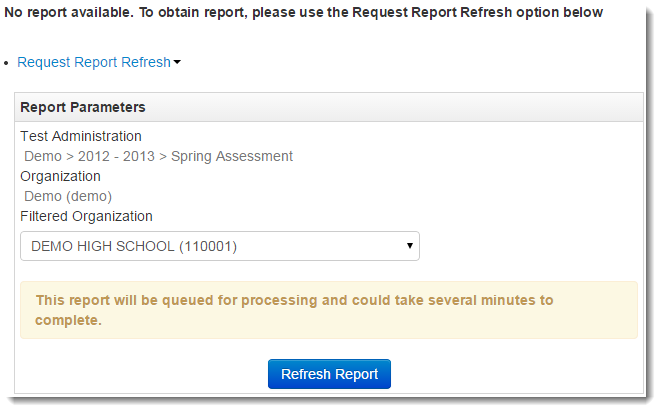
When a report is available, it will be listed on the page. Click Download Report to download a file with the requested information.
Expand title Click here to view a screenshot... 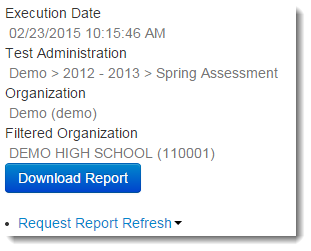
...