
...
For step-by-step setup instructions, click the links below. You can also read further on this page for a detailed overview on installable TestNav, App Check, and saved response file (SRF) and log files.
| UI Text Box | ||||||||||||
|---|---|---|---|---|---|---|---|---|---|---|---|---|
| ||||||||||||
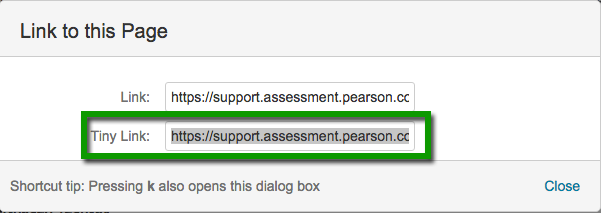
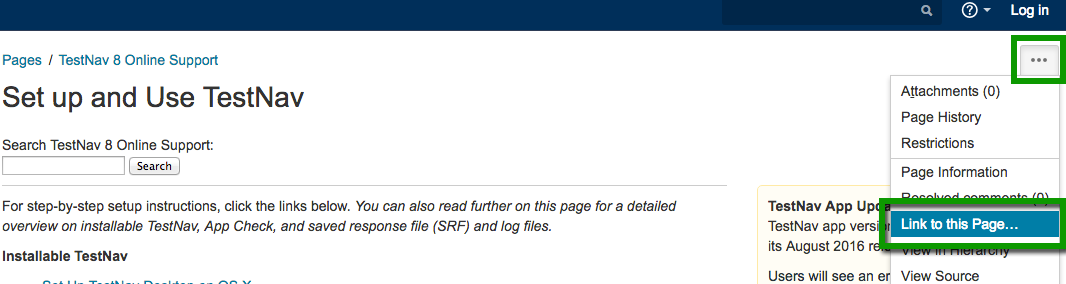
Some page names in this section (listed below) have recently changed. To link to a page, you must use the tiny link to avoid a broken link when a page name changes.
|
TestNav Installation by Operating System:
- Set Up TestNav on Windows
- Set Up TestNav on macOS
- Set Up TestNav on iPadOS
- Set Up TestNav on ChromeOS
- Set Up TestNav on Linux
- See also: Download TestNav
Additional Important Setup Tasks:
Signing In to TestNav:
Optional PearsonAccessNext-Only Setup
...
Tiny Link: https://support.assessment.pearson.com/x/Jif1AQUI Children