
-
Created by
 user-760ba, last updated by Jamie Louderback on Jul 02, 2026
3 minute read
user-760ba, last updated by Jamie Louderback on Jul 02, 2026
3 minute read
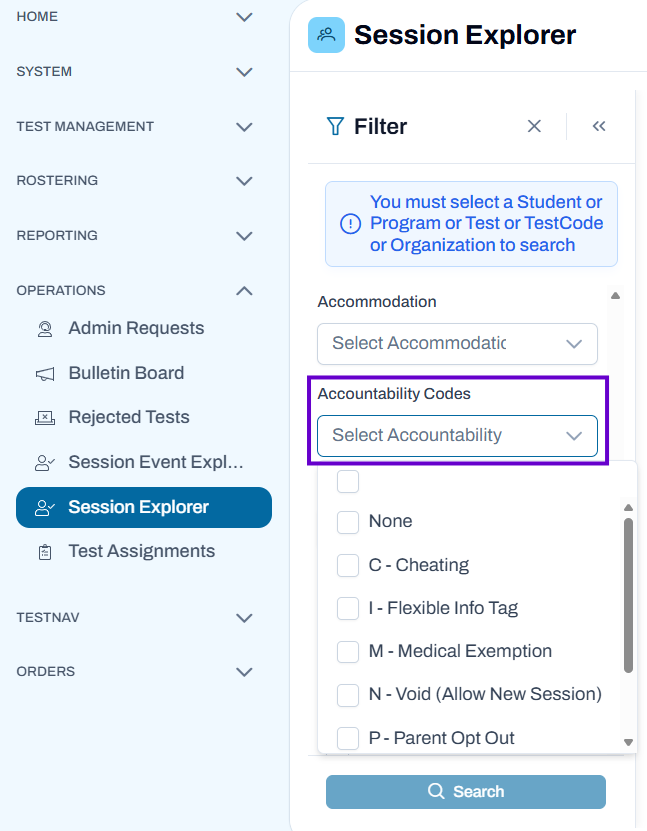
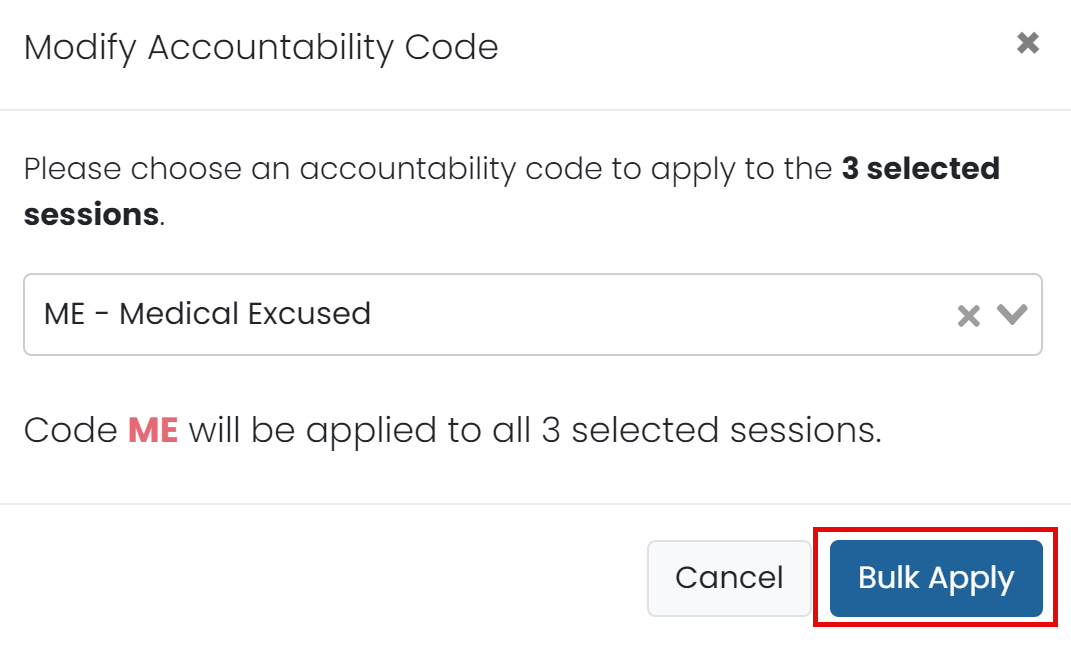
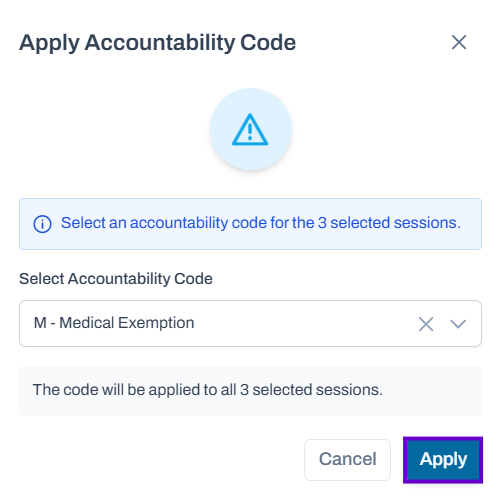
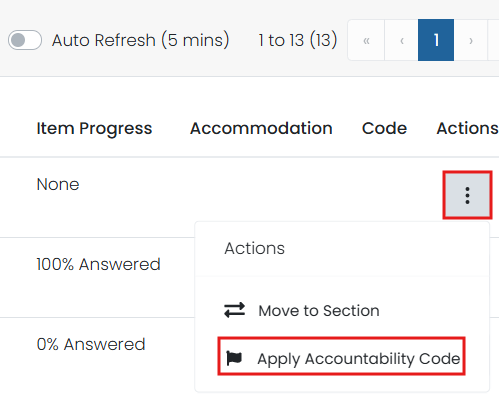
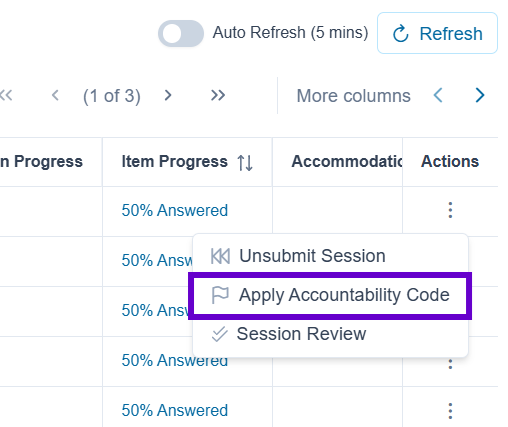
Accountability codes provide a way for designated users to tag students who should not test, or who were tested but should not appear in reporting. The available codes, what they do, and who can add them depends on your site implementation. In your district or state, accountability codes may be called Not Tested, Exception Irregularity codes, etc. Depending on role permissions, users can apply codes individually from the administration card or bulk apply codes from Session Explorer. Some codes are available to designated user roles only. See also: Administrations Page & Card. In Session Explorer, you can filter on one or more assigned accountability codes. To view a list of students by code: Classic User Interface: Updated User Interface: You can apply accountability codes from the administration card in ADAM one student at a time. The following method is available only if your role has permission to access Session Explorer. Classic User Interface: Updated User Interface: Depending on settings, logged in proctors can add selected codes from the Proctor Dashboard. Classic User Interface: Updated User Interface: The ability to limit accountability codes may be implemented on your site. Some customers only allow a state-level administrator to apply a VOID accountability code, for example. Ask your test coordinator or site administrator if you are unsure who has the ability to assign additional codes, if applicable. Note for site administrators: Codes that should be available to designated user roles only must have 'Admin Code' selected in System > Client Settings > Delivery Preferences. View Accountability Codes by Session
Apply Codes from the Admin Card
Apply Codes to Multiple Sessions
Apply Codes from the Proctor Dashboard
Administrator Only Codes