-
Created by
 user-760ba, last updated by Jamie Louderback on Jul 01, 2026
4 minute read
user-760ba, last updated by Jamie Louderback on Jul 01, 2026
4 minute read
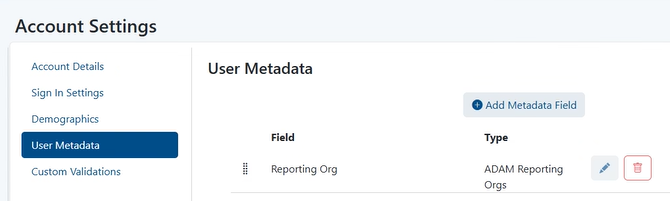
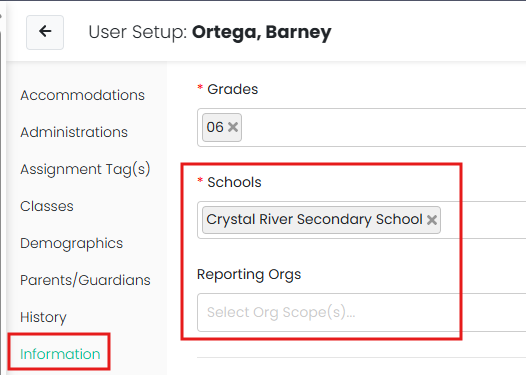
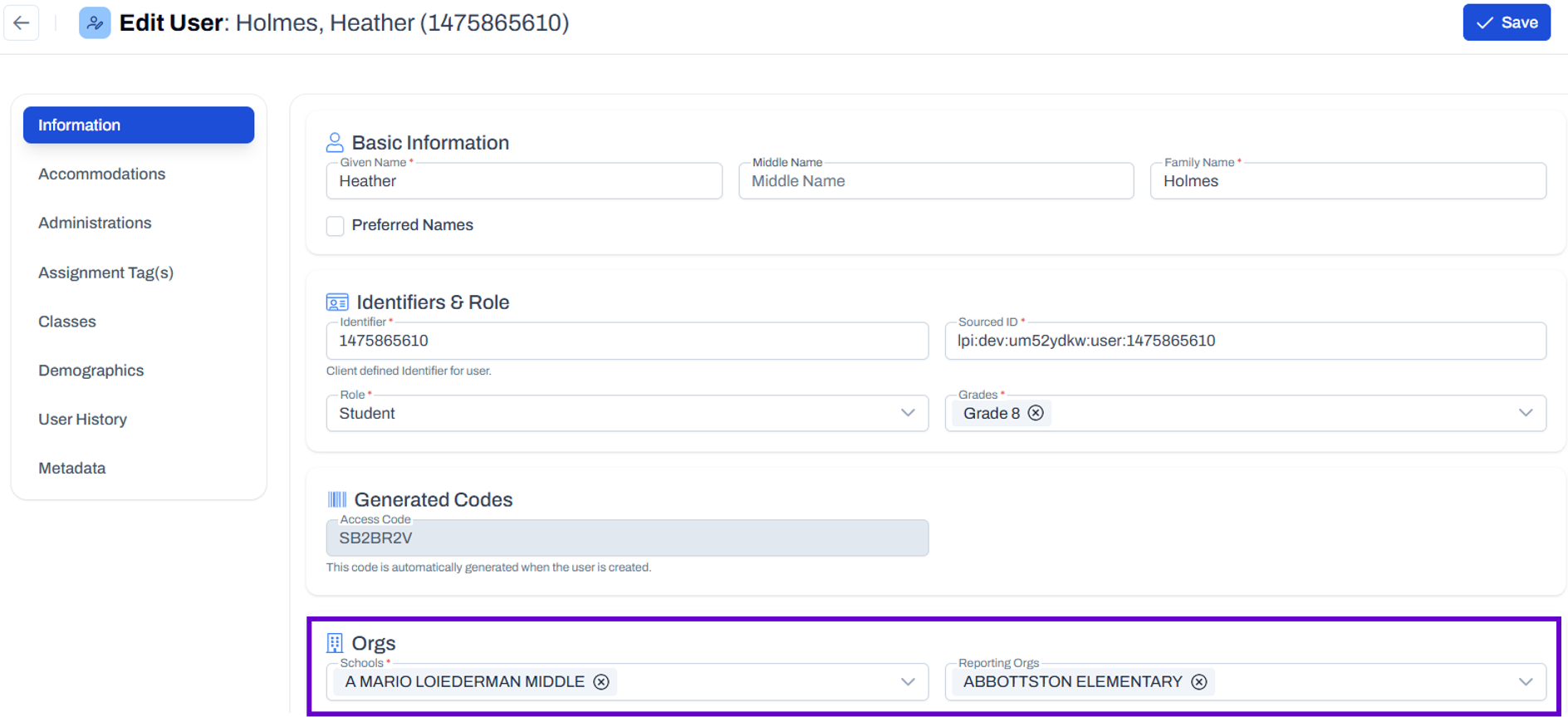
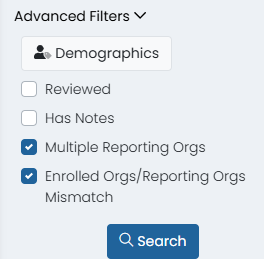
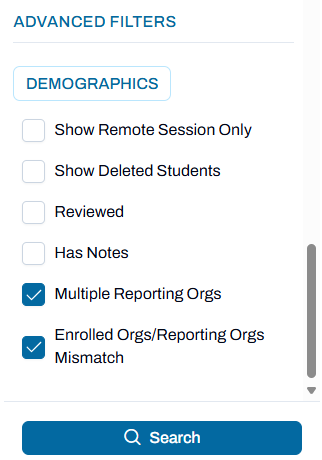
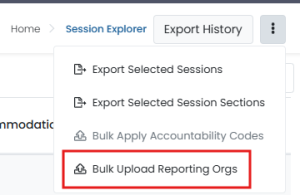
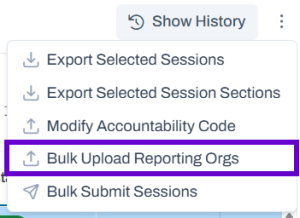
Some users have rights to view, or also edit, the reporting organization for a student. Reporting Org can be modified when the default school associated to the student does not match where they should appear in reports. See also: Student Mobility Considerations Classic User Interface: Updated User Interface: To facilitate data review, Session Explorer provides a filter to view all students with more than one associated organization. 1. Navigate to Operations > Session Explorer. 2. Filter as needed on Program or Test Name. 3. In Advanced Filters, select Multiple Reporting Org and/or Enrolled Orgs/Reporting Orgs Mismatch. Classic User Interface: Updated User Interface: 4. Select Search. Once a student starts a test, the only way to modify their reporting school is at the session level. This applies to every status except 'Not Started.' This can be done from the Student Dashboard, 'Rostering > Users > Administrations' and Session Explorer. To change Reporting Org from within Session Explorer: 1. Navigate to Operations > Session Explorer. 2. Locate the student session using the filters provided. 3. In the Actions menu for a session, choose 'Select Reporting Orgs.' 4. Select a school and select Save. Permissioned users can bulk update reporting orgs from Session Explorer. The feature creates a template for a user to fill out and upload to modify the reporting org on existing sessions. 1. Navigate to Operations > Session Explorer. 2. Filter as needed to desired student set. It is okay to include students who do not need any changes. 3. In the Actions menu, select Bulk Upload Reporting Orgs. Classic User Interface: Updated User Interface: 4. Follow the instructions on-screen. You may be prompted to remove leading zeros - do not convert. In some instances, access is not available in the local Student Information System to edit an alternate Reporting Org. If the Reporting Org should be different from the student's school for all of their tests, some customers may add a tag in LaunchPad to define. In these instances, it is important to change only in LaunchPad and not to edit at the student level in ADAM. General Principles Around Reporting Organization
Identify Students Associated with Multiple Testing Organizations
Change Reporting Org for a Student for One Session
Bulk Upload Reporting Org at the Session Level
Atypical Scenario: Reporting Org Needs to Be Changed in LaunchPad