-
Created by
 Tiwanna Bazemore, last updated on Sep 29, 2025
2 minute read
Tiwanna Bazemore, last updated on Sep 29, 2025
2 minute read
Logging in to OSCAR
New User
As a new user in OSCAR you will receive an email welcoming you to OSCAR. The link in the email takes you to a login screen where you are asked to:
- Log in
- Change your password
Current User
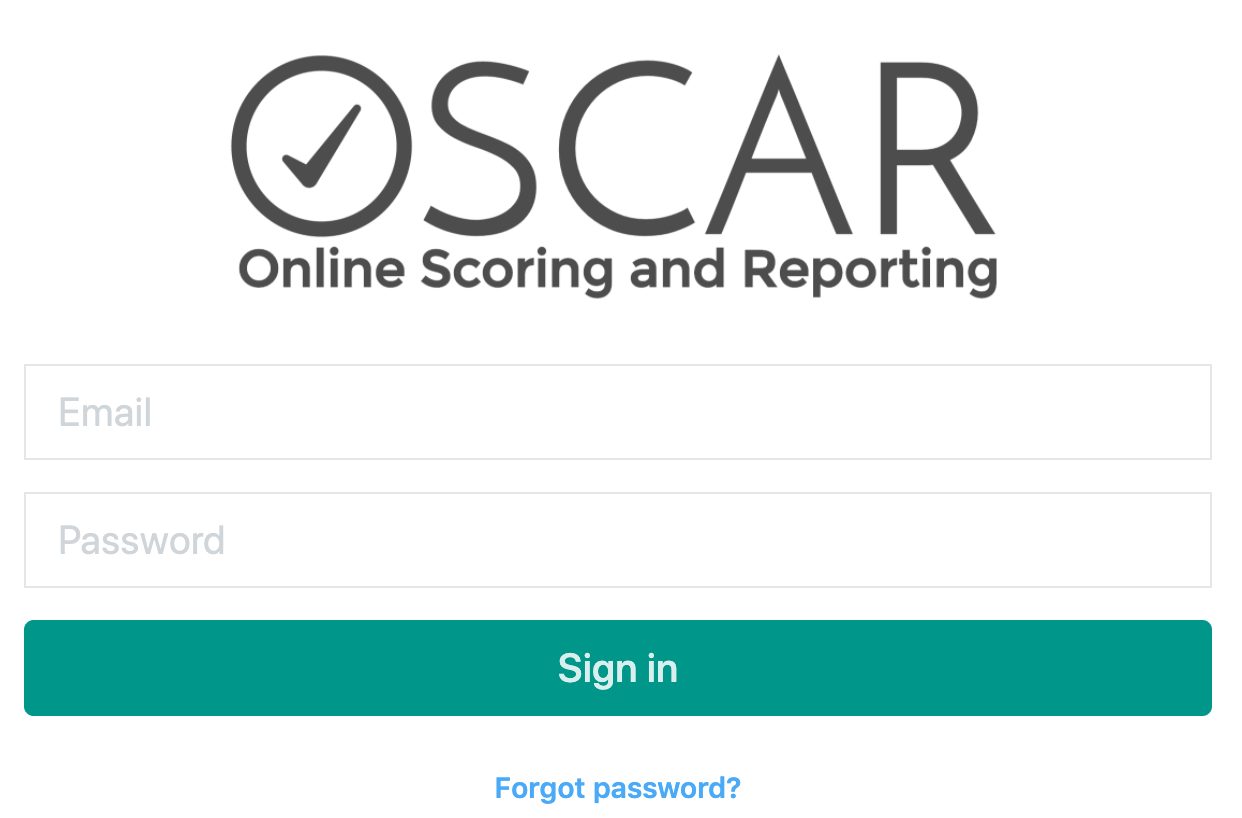
Use your OSCAR credentials to log into OSCAR. Always use your own log in credentials, never share or use another user's log in credentials. If you have forgotten your log in credentials, use the Forgot password? link at the bottom of the sign in screen.
Scorer Landing Page
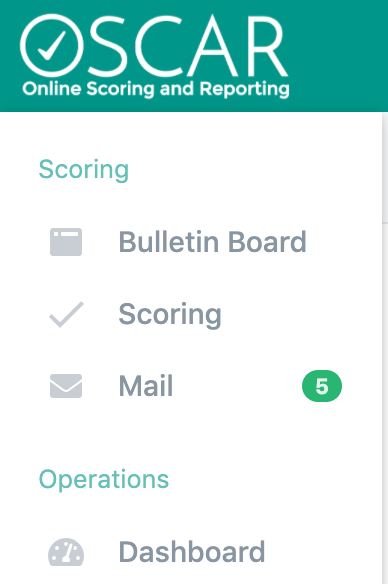
This section of OSCAR is made up of three areas to help you manage your scoring experience. Both Bulletin Board and Mail are used to communicate with you. Your team will determine how specifically to use both Bulletin Board and Mail, we recommend you periodically check these sections throughout your scoring day.
Upon log in, you are presented with a simple welcome message. Start your work by choosing one of the options in the menu on the left.
|
|
|---|