LaunchPad

Page tree

You are viewing an old version of this page. View the current version.

Compare with Current View Page History

« Previous Version 9 Current »

A limited number of Pearson users who manage data have access to the Team Member area of LaunchPad where they can configure settings and investigate data questions.

To sign in as a LaunchPad administrator:
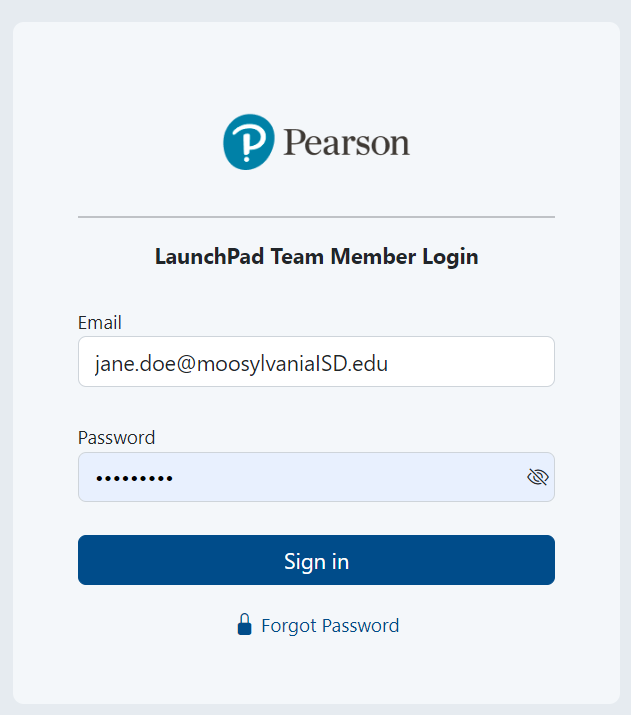
  1. Go to https://launchpad.pearson.com/#/admin/login
  2. Enter credentials and click Sign in.


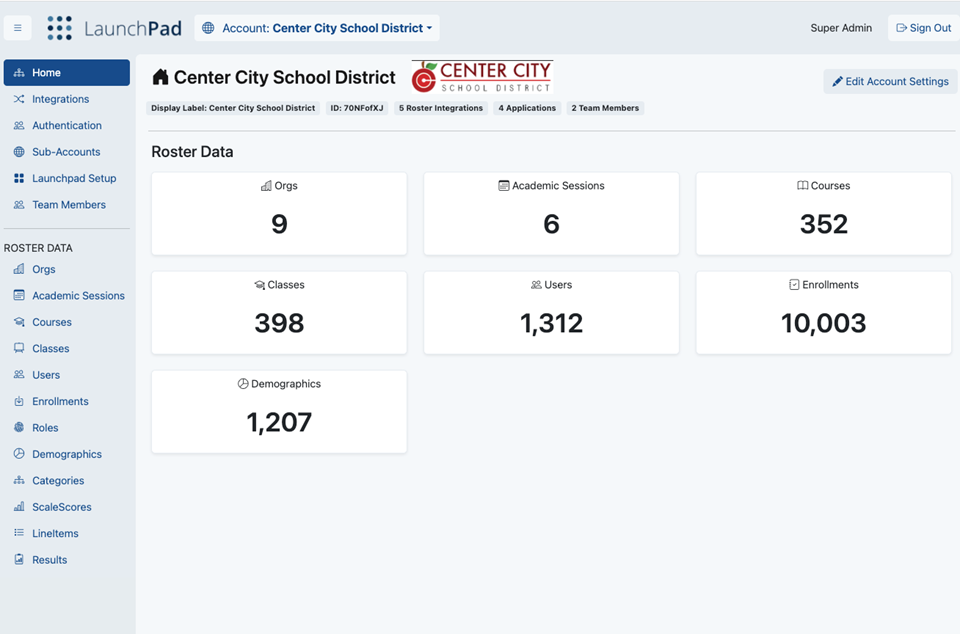
  3. The options available in the Team Member area are based on user rights.


Tiny Link: https://support.assessment.pearson.com/x/7AE-CQ


  • No labels