
-
Created by
 user-6d962, last updated by Erica Smith on Jul 01, 2026
2 minute read
user-6d962, last updated by Erica Smith on Jul 01, 2026
2 minute read
ADAM (Assessment Delivery and Management) users can manage organization and assessment administration data conveniently and deliver assessments online. The articles in this ADAM Basics section provide instructions on some common getting started tasks. ADAM is the generic name Pearson's Assessment Delivery and Management platform; you may refer to it by a custom local name. Classic User Interface: Updated User Interface: Use the following links or information on how to Reset Your Password or using Forgot my ADAM Password. Designed to provide a more modern and streamlined experience, ADAM 2.0 makes it easier to navigate the platform, find key features, and complete tasks efficiently. Improvements include a cleaner layout, enhanced organization of settings and tools, and a more consistent user experience across the application. As new ADAM 2.0 features are released, this support site will be updated with the latest screenshots, documentation, and guidance to help users take full advantage of new functionality as it becomes available.Using a Screen Reader for ADAM Online Help

Logging into ADAM
NOTE: Contact your system administrator if you do not have login credentials or experience issues accessing your account.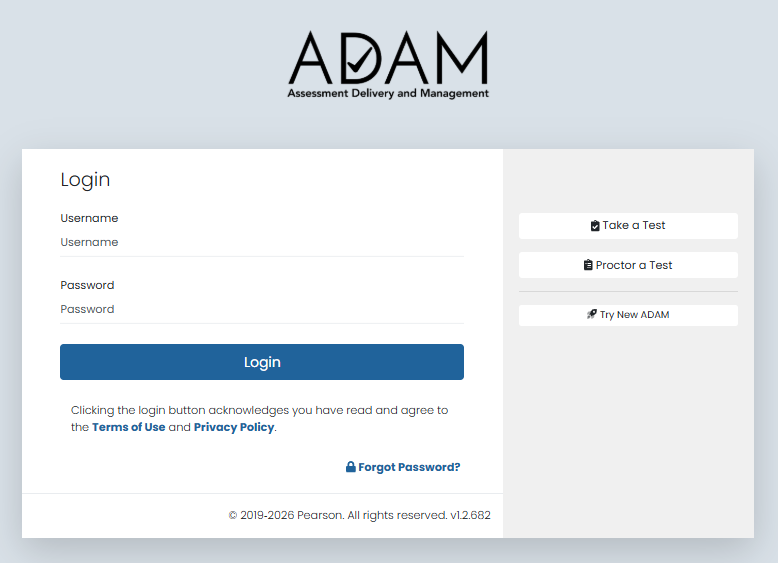
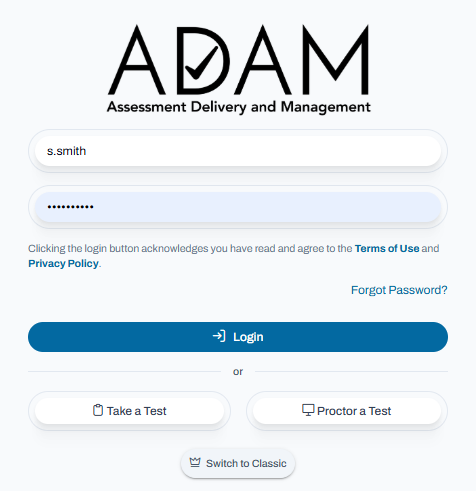
ADAM 2.0 UPDATES - NEW User Interface