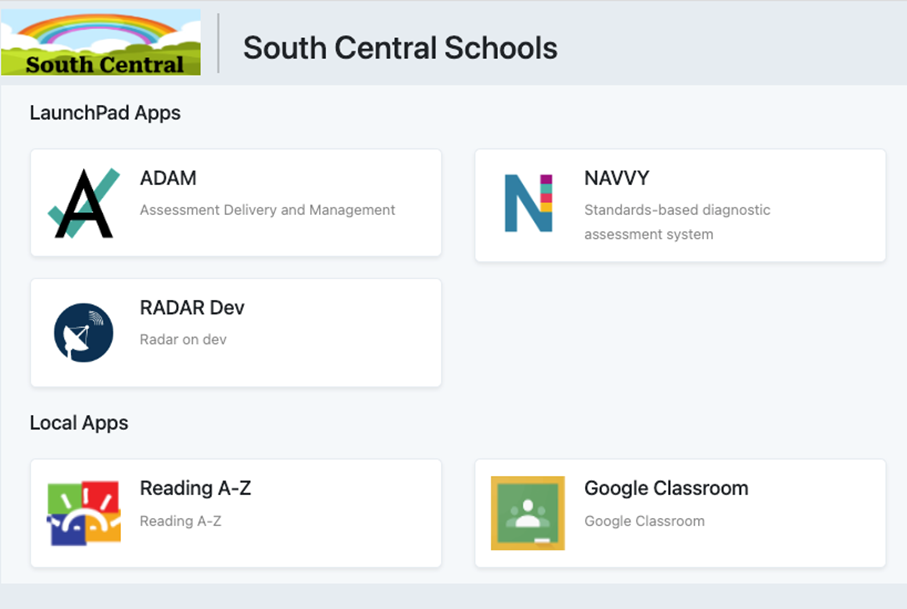
Launchpad users who do not have administrator rights to make roster changes in LaunchPad will use it only for authentication. They will either access Launchpad via the URL (https://launchpad.pearson.com/) or via a portal (such as Clever). The apps they are authorized to use display on the home page and link to each respective app.
Logging In to LaunchPad
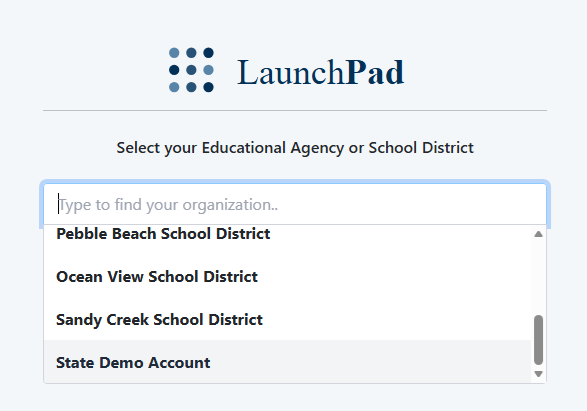
- On the first login to LaunchPad only, the user is prompted to select their district or educational agency. For state-wide implementations, the user will first select the state.
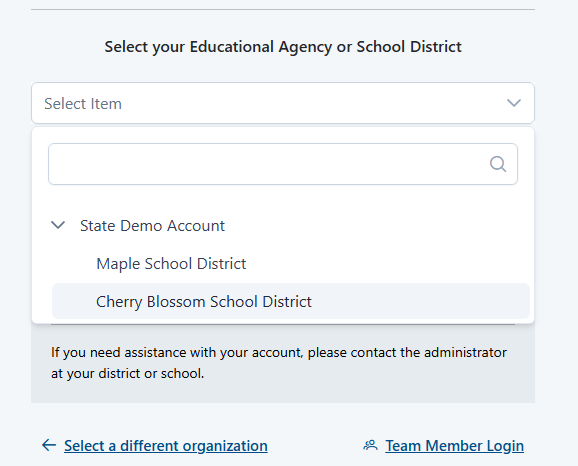
- For state implementations only, the user will then be prompted to select a district.
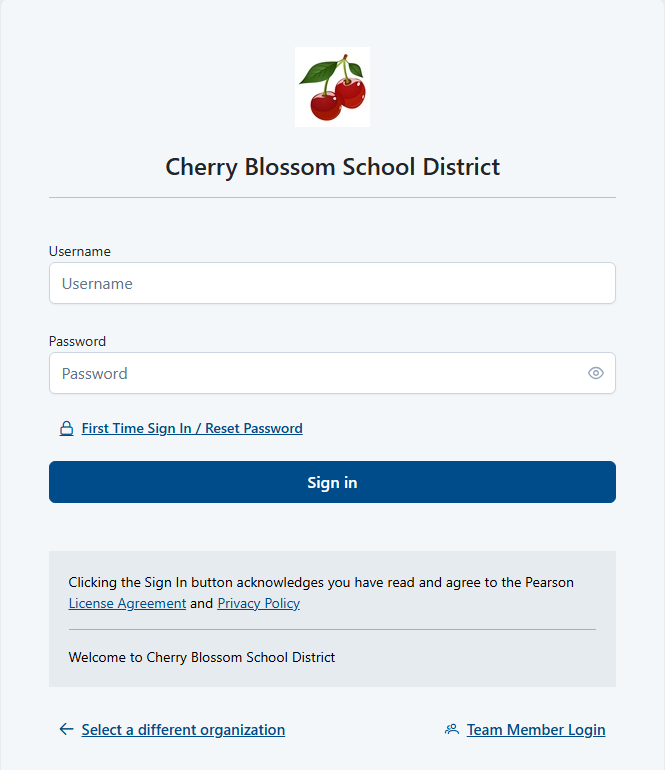
- Once an account is selected, users are directed to the configured sign-in screen for that account. The user enters their username and password.
- The user can authenticate to available applications.