-
Created by
 user-760ba, last updated on Jan 07, 2026
2 minute read
user-760ba, last updated on Jan 07, 2026
2 minute read
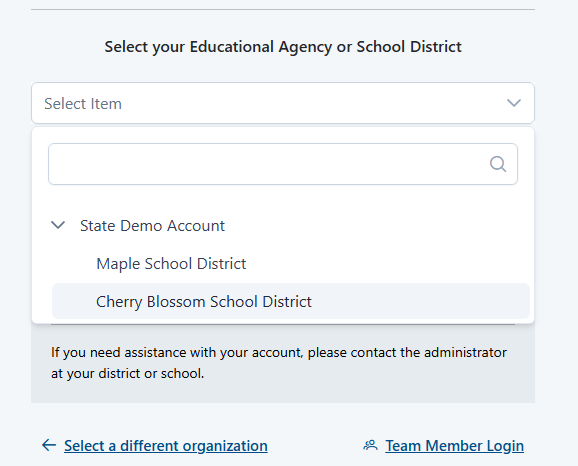
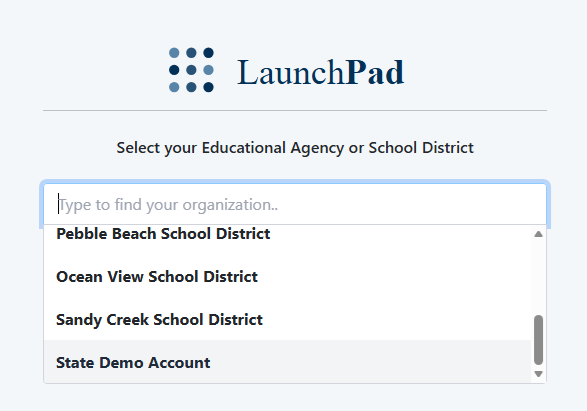
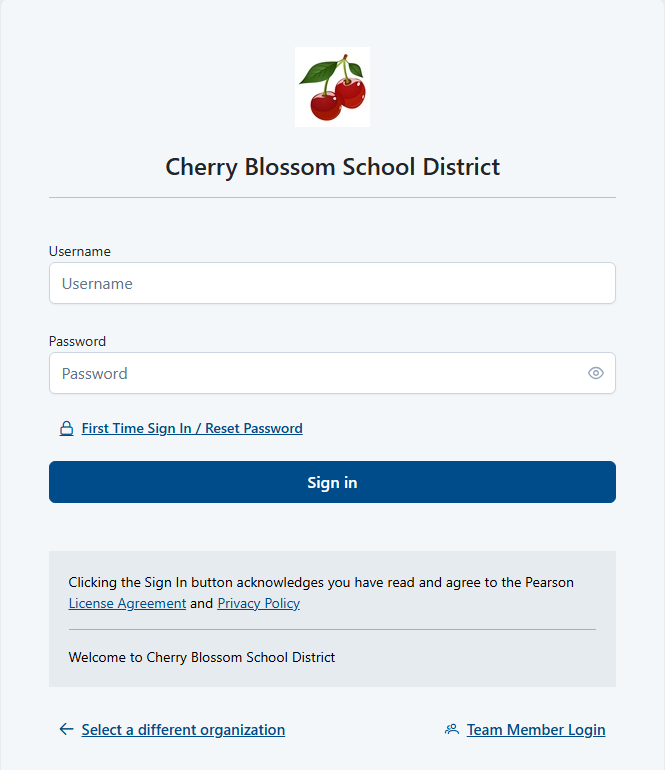
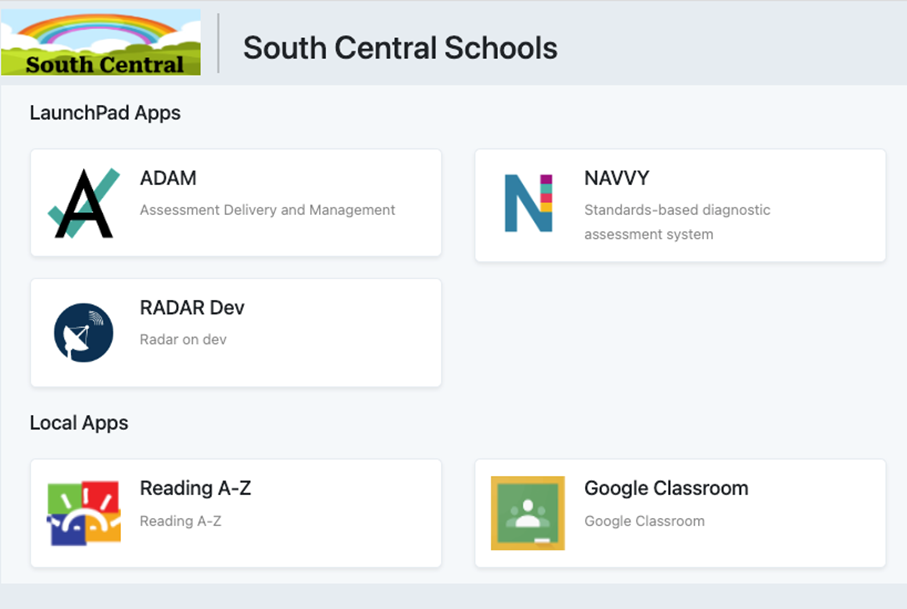
Launchpad users who do not have administrator rights to make roster changes in LaunchPad will use it only for authentication. They will either access Launchpad via the URL (https://launchpad.pearson.com/) or via a portal (such as Clever). The apps they are authorized to use display on the home page and link to each respective app.Logging In to LaunchPad