You can delete an organization to remove it from the system.
Prerequisites
Your user account must belong to a higher-level organization than the organization you want to delete.
You must first delete user accounts and students associated with the organization.
|
Step-by-Step
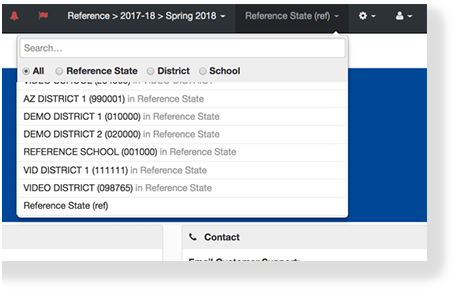
- Click the organization dropdown, and select a higher-level organization than the organization you want to delete.
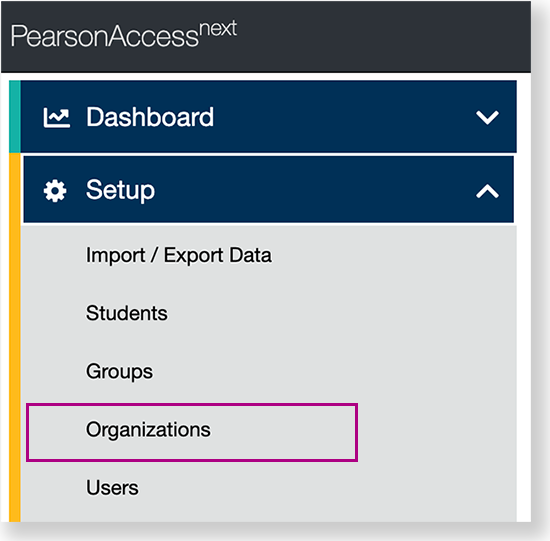
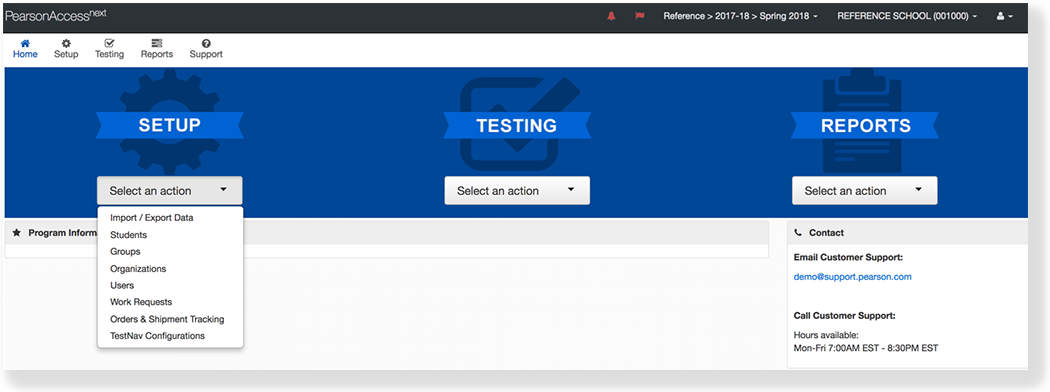
From Setup, click Organizations.
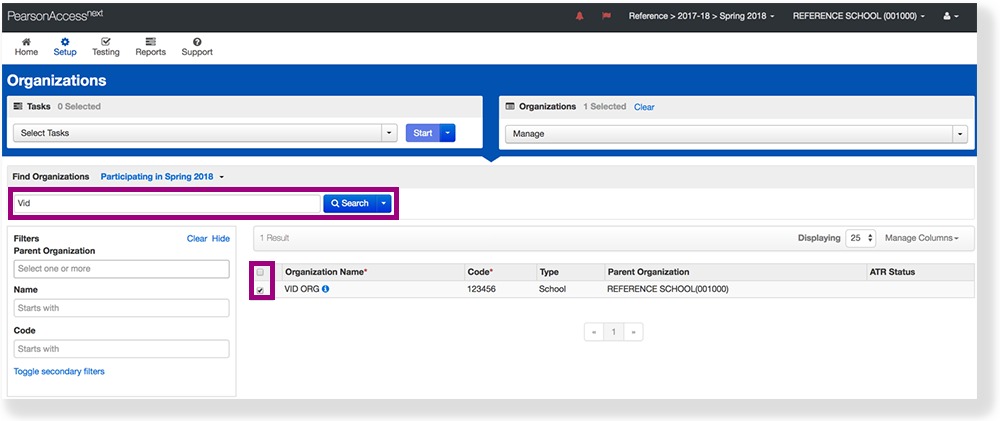
- Type the organization name into the search field, click Search, and click the checkbox next to the organization.
- Click Select Tasks, select Delete Organizations, and click Start.
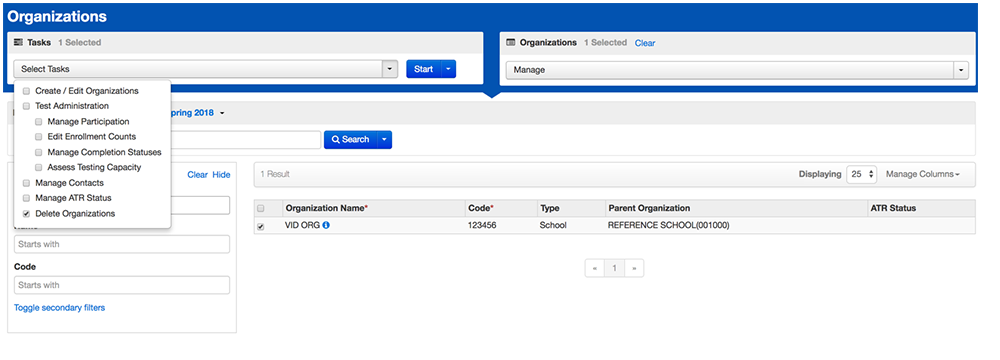
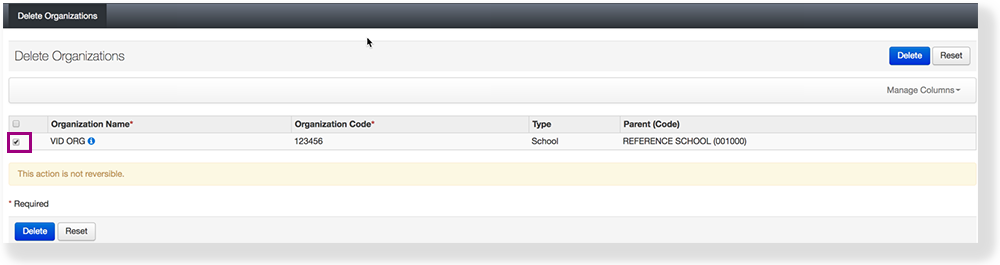
Select the checkbox next to the organization you want to delete.
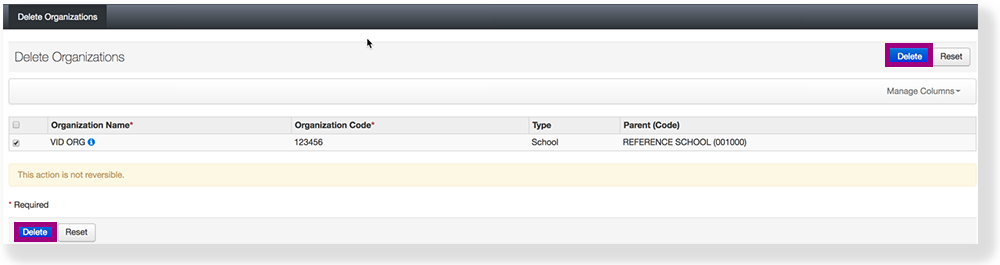
Click Delete.
Effects
After you delete an organization, you cannot restore it.