View shipment tracking information at Orders > Shipment Tracking. This page lists the order number, order name, the administration code, date ordered, status, number of packages and destination. The order status is updated hourly (In Progress, Delivered, Error).
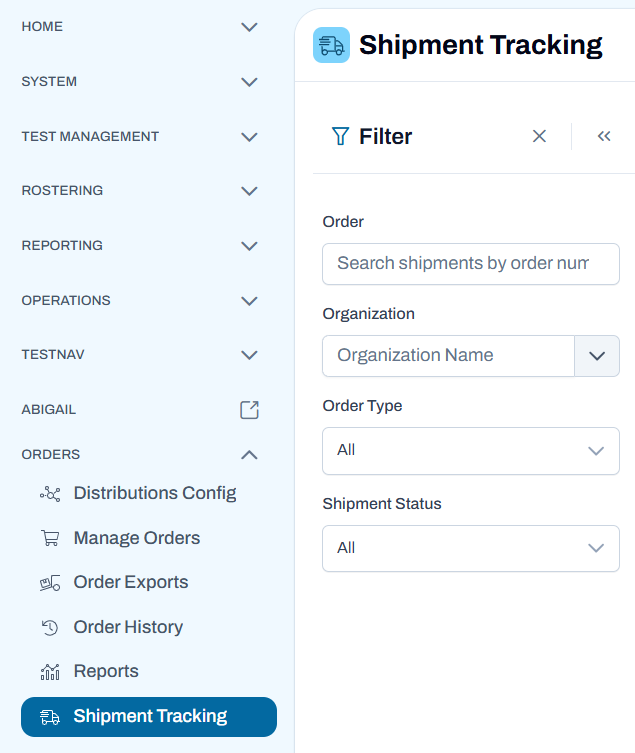
Users can filter by Order Number, Organization, Order Type, and Shipment Status.
Updated User Interface:
If there are multiple packages in an order, each delivery will be listed under the main order (select the Order Number to expand the list).
Select an order number to see its full history. Select Export to export the shipment information to a CSV file.
Selecting the tracking number hyperlink will open a new tab to the carrier site with shipment details for that tracking number. Carrier sites include UPS, FedEx and USPS; if the tracking number is not from one of these carriers, the hyperlink will not be present.
Tiny Link: https://support.assessment.pearson.com/x/TQCvDQ