
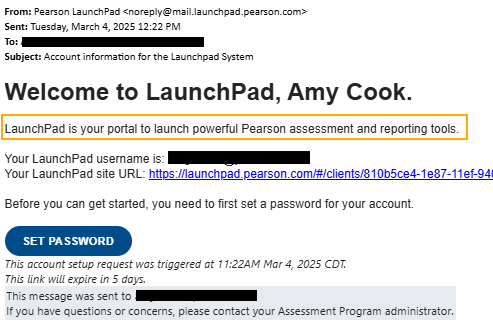
A rich text editor allows for the customization of the welcome email message by designated users.
To make changes, in LaunchPad, go to Accounts Settings > Sign In Settings.
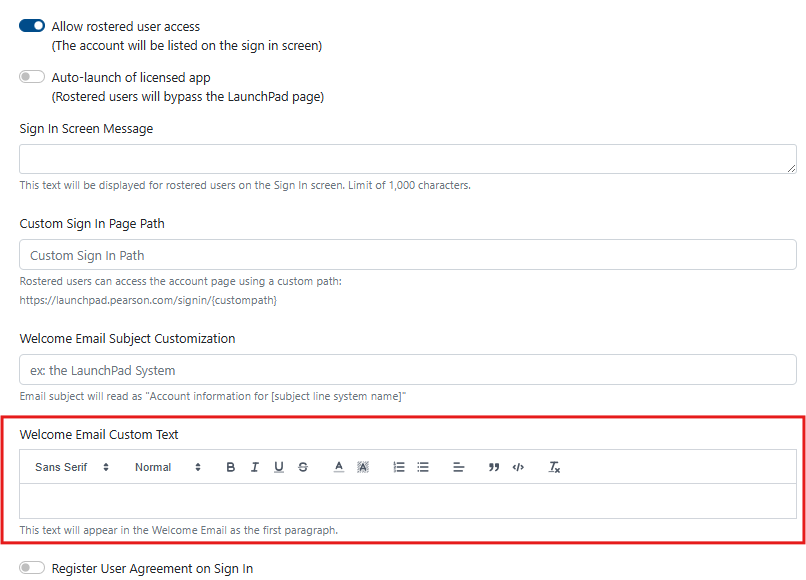
A rich text editor allows for the customization of the welcome email message by designated users.
To make changes, in LaunchPad, go to Accounts Settings > Sign In Settings.